T4 Bot Warfare
Bot Warfare adds playable AI bots to Call of Duty: World at War multiplayer.
The original mod was created by INeedGames. This port runs through the CoD Xe plugin.
View T4 Bot Warfare Xenon port on GitHub
What You Need
Section titled “What You Need”- A genuine copy of Call of Duty: World at War
- The game extracted to a normal folder
- The latest Call of Duty: World at War title update: TU7
- One of these setups:
- An Xbox 360 that can run unsigned code: XDK, RGH, JTAG, or BadUpdate
- Xenia Canary Netplay on Windows
Prepare The Game
Section titled “Prepare The Game”Extract Call of Duty: World at War to a normal folder.
Do not use:
- GOD / Games on Demand format
- ISO format
Your game folder should contain the normal game files, such as default_mp.xex.
Install CoD Xe
Section titled “Install CoD Xe”CoD Xe is required. Bot Warfare will not load without it.
Install CoD Xe first, then return to this guide:
Install CoD Xe
Install TU7
Section titled “Install TU7”Call of Duty: World at War must be running TU7.
Download the TU7 file:
Download World at War TU7
Xbox 360
Section titled “Xbox 360”Copy the downloaded TU7 file to Hdd1/Cache/:
Hdd1/Cache/TU_10LC20S_0000010000000.00000000001O8Press File > Install Content..., then select the downloaded TU7 file:
TU_10LC20S_0000010000000.00000000001O8After TU7 is installed, continue to the Bot Warfare install.
Install Bot Warfare
Section titled “Install Bot Warfare”Download the latest T4 Bot Warfare release:
Download T4 Bot Warfare
Extract the contents of the .zip into your Call of Duty: World at War game
folder.
When installed correctly, your folder should look like this:
Directory
Call of Duty - World at WarDirectory_codxe
- codxe.json
Directorymods
Directorybot_warfare
Directorymaps/
- …
Directoryscriptdata/
- …
Directoryscripts/
- …
- default_mp.xex
- …
Using Bot Warfare
Section titled “Using Bot Warfare”Start Call of Duty: World at War multiplayer.
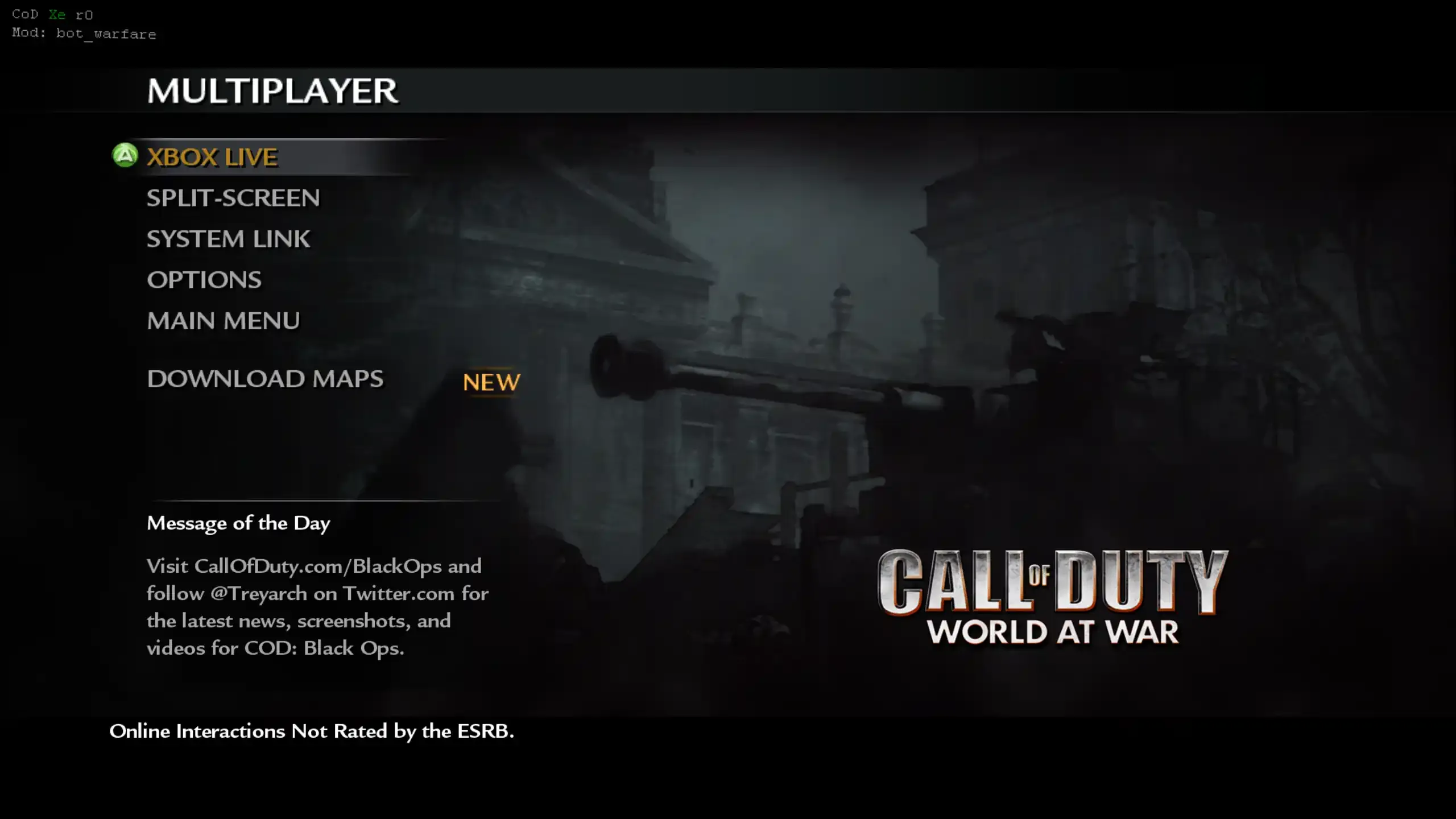
If the mod loaded, you will see the Mod: bot_warfare text in the top left:
Load a System Link or private match game, then open the Bot Warfare menu by pressing the primary grenade and secondary grenade buttons together.
Bot Limits
Section titled “Bot Limits”In-Game Menu
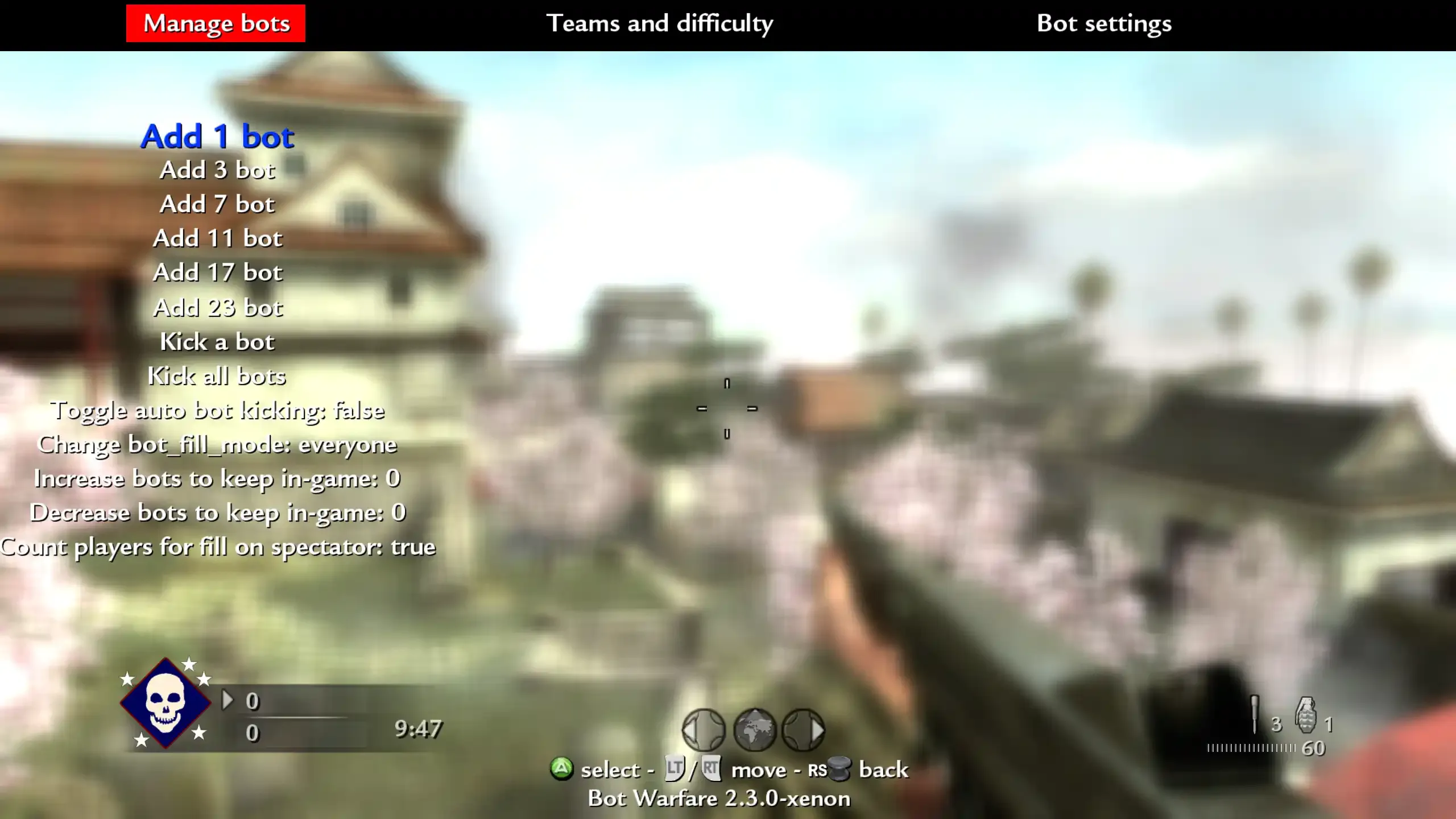
Section titled “In-Game Menu”Use the in-game menu to add bots, change bot difficulty, and adjust bot settings.